

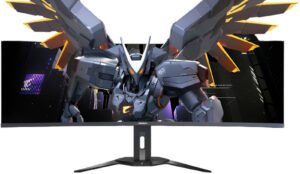
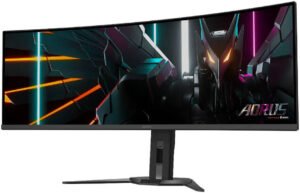
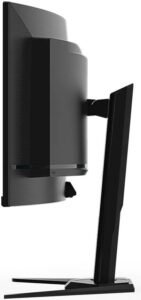
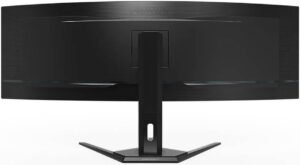
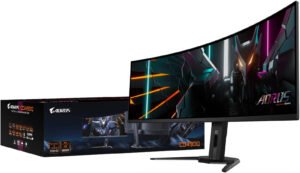
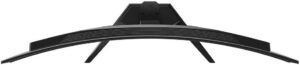
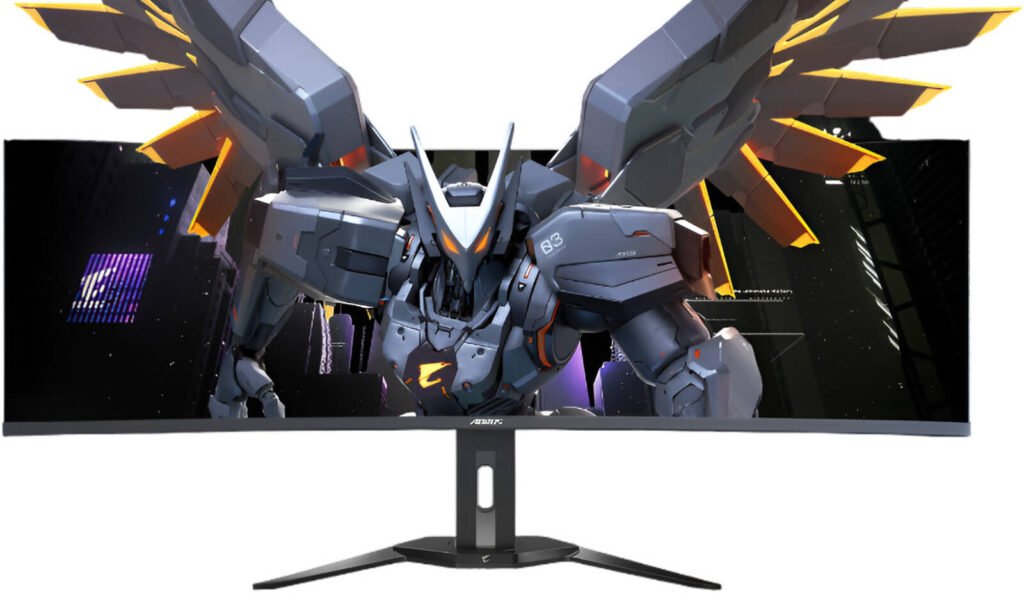
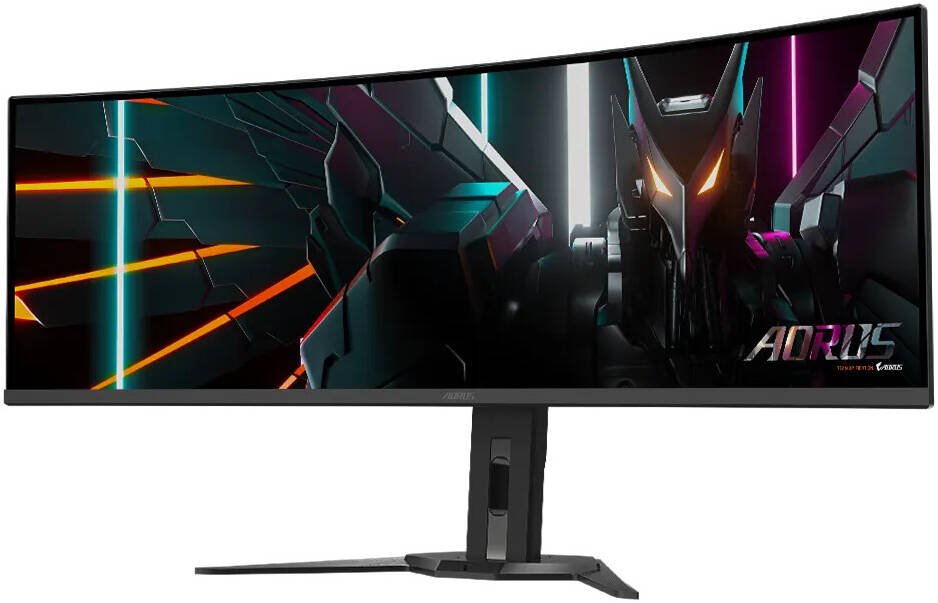
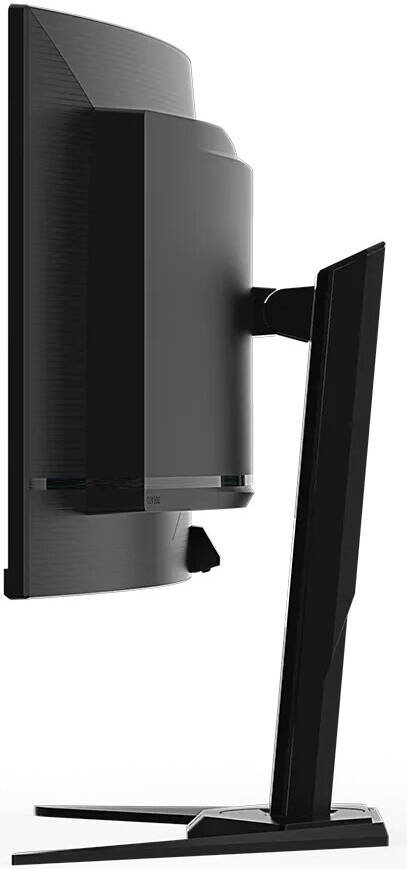
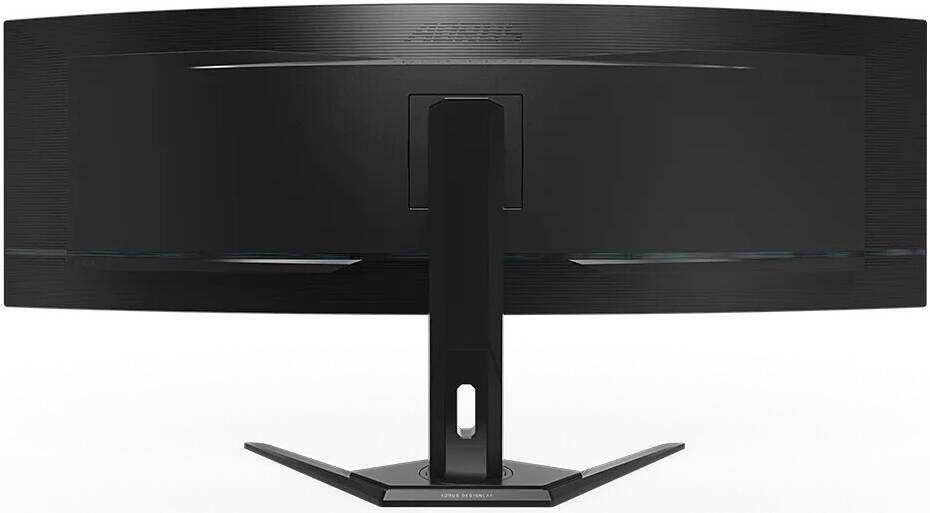
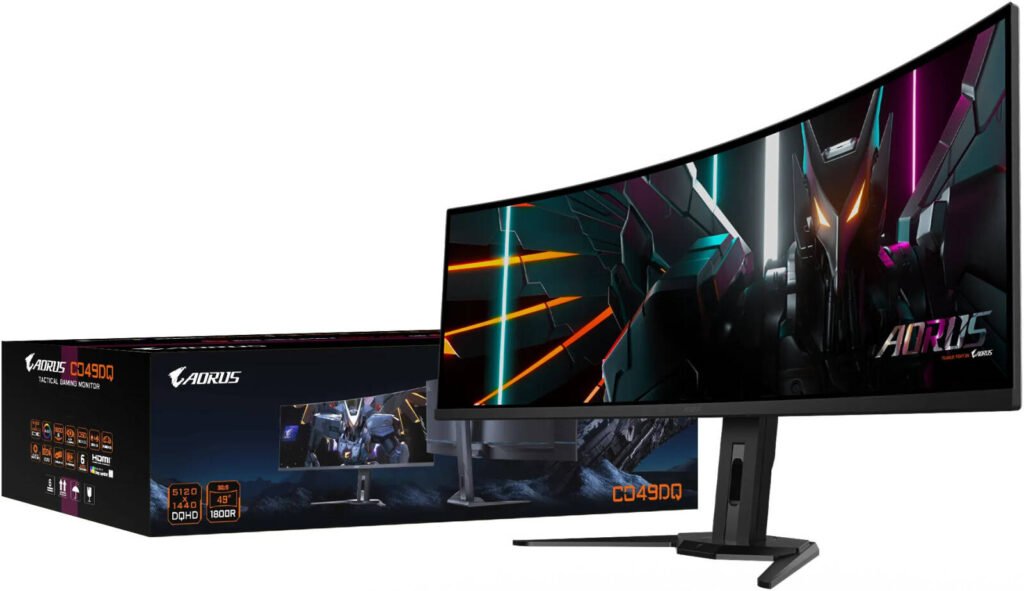
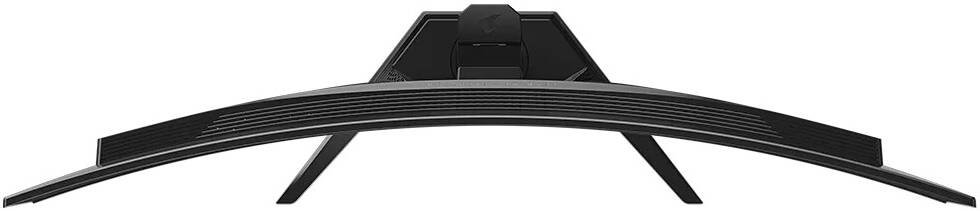
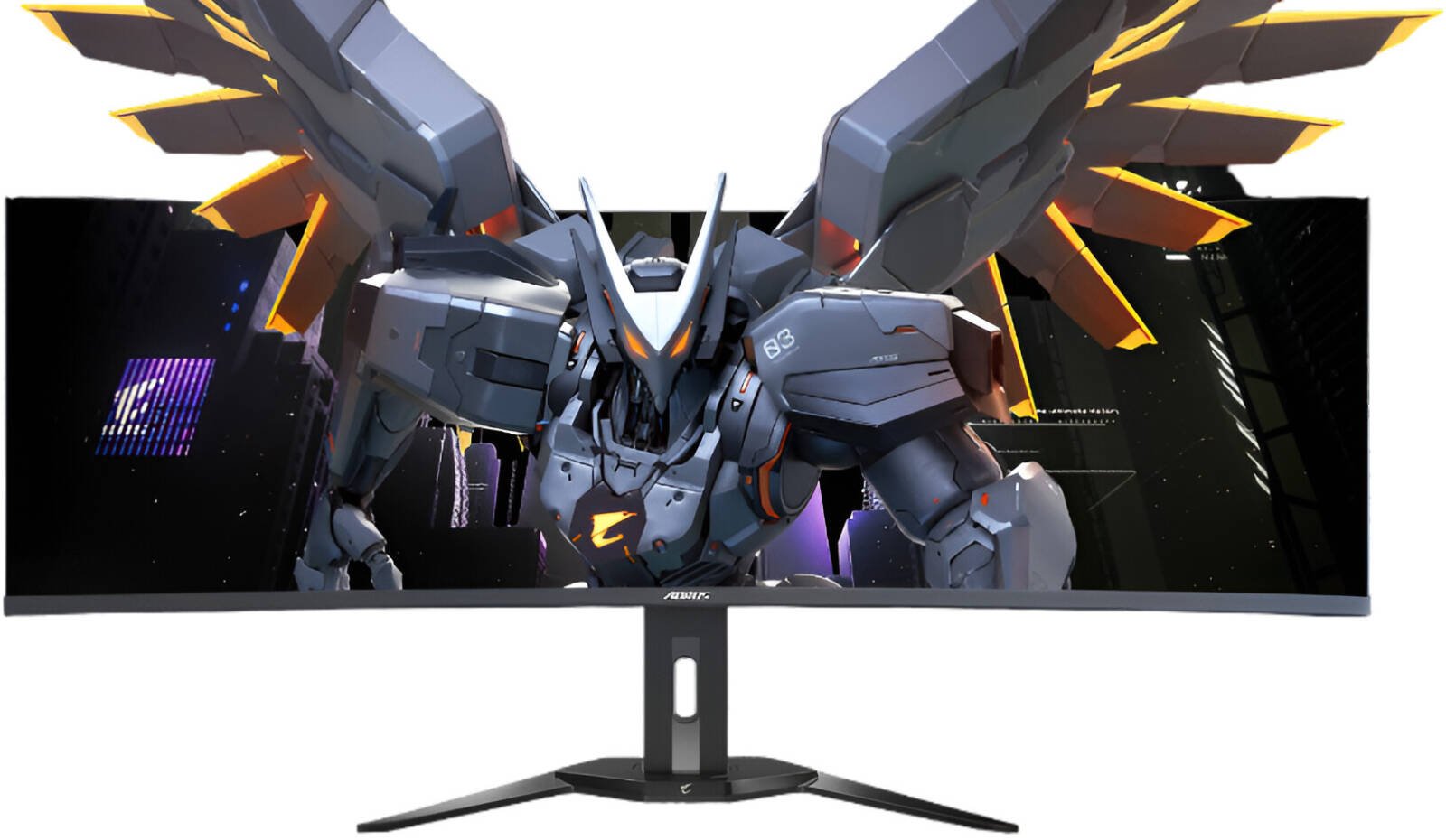
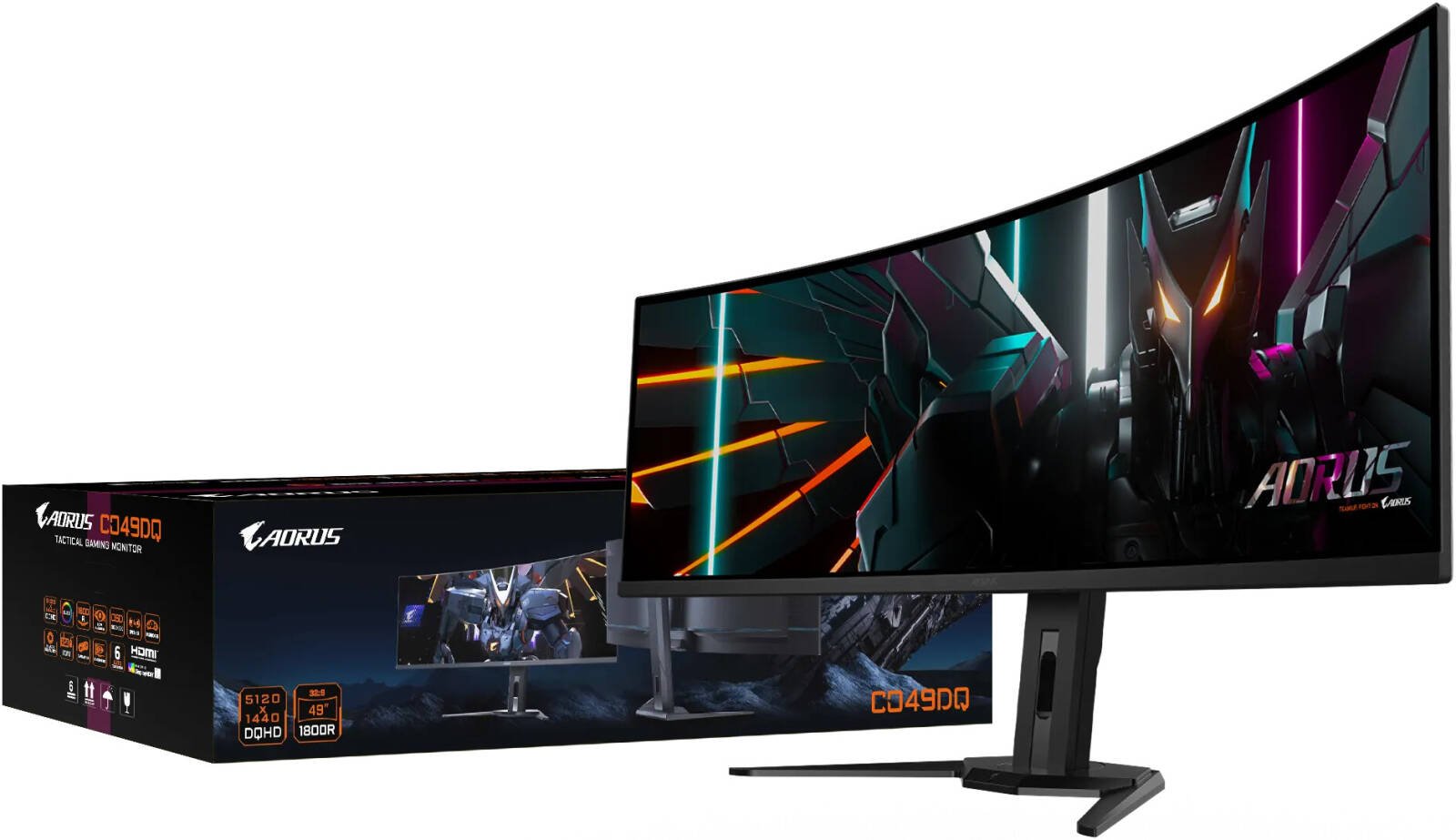
Gigabyte Aorus CO49DQ Gaming Monitor, 49″ DQHD OLED Display, 144Hz Refresh Rate, 0.03ms (GtG) Response Time, OSD Sidekick, Black Equalizer, KVM, 6 Axis Color Control, Black
2.999,00 AED
- Screen Size: 49 “
- Aspect Ratio: 32:9
- Resolution: 5120 x 1440
- Panel Type: OLED
- Response Time: 0.03 ms
| Panel Size (diagonal) | 49" OLED |
| Display Viewing Area (HxV) | 1,196.7 x 339.2 mm |
| Panel Backlight/Type | OLED |
| Display Surface (non-glare/ glare) | Non-glare |
| Color Saturation | 99% DCI-P3 |
| True Resolution | 5120 x 1440 (DQHD) |
| Pixel Pitch | 0.2331(H) x 0.2331(V) mm |
| Brightness | 250 cd/m² (TYP) |
| Contrast Ratio | 1,500,000:1 |
| Viewing Angle | 178° (H) / 178° (V) |
| Display Colors | 10-bit (1.07B) |
| Response Time | 0.03 ms GTG |
| Refresh Rate | 144 Hz |
| HDR | VESA DisplayHDR True Black 400 |
| VESA Certified ClearMR | ClearMR 8000 |
| Flicker-free | Yes |
| HBR3 | Yes |
| Factory Calibration | Yes |
| Connectivity | 2 x HDMI 2.1, 1 x DisplayPort 1.4, 1 x USB Type-C (Alternate Mode; Upstream port; Power Delivery up to 18W), 2 x USB 3.0 Downstream ports, 1 x USB 3.0 Upstream port, 1 x Earphone Jack |
| Earphone Jack | Yes |
| Speaker | 5W x 2 |
| Unique Features | OSD Sidekick, Black Equalizer, Dashboard, Crosshair, Timer, Counter, PiP/PbP, Auto-Update, KVM, 6 axis Color Control, Apply Picture Mode, HDMI-CEC |
| Power Type | Power Board Built-in |
| AC Input Max | 72W |
| Power Saving Mode | |
| Power Off Mode | |
| Voltage | AC 100-240V ~ 50/60Hz |
| Tilt (angle) | -5° ~ +20° |
| Swivel (angle) | ±30° |
| Pivot (angle/direction) | N/A |
| Height Adjustment | 130 mm |
| VESA Wall Mounting | 100 x 100 mm |
| Kensington Lock | Yes |
| Physical Dimension with Stand (WxHxD) | 1194.78 x 558.80 x 261.52 mm |
| Physical Dimension w/o Stand (WxHxD) | 1194.78 x 372.23 x 160.51 mm |
| Box Dimension (WxHxD) | 1310 x 563 x 345 mm |
| Net Weight with Stand (Esti.) | 11.28 kg |
| Net Weight without Stand (Esti.) | 8.33 kg |
| Gross Weight (Esti.) | 17.8 kg |
| Accessories | Power cable, HDMI cable, DP cable, USB cable, QSG, Warranty card |
| Note | To enable OSD Sidekick, it requires connection between PC and monitor with USB (A-Male to B-Male) cable. The test condition follows CEC standards. |
Best Offers
Related products
-
LG 45GX950A UltraGear Gaming Monitor, 45″ OLED Display, 5K2K (5120 x 2160) Resolution, 165Hz Refresh Rate, 0.03ms (GtG) Response Time, AMD FreeSync Premium Pro & NVIDIA G-Sync Technology
5.648,00 AED -
Twisted Minds Eclipse Pro Series Curve Gaming Monitor, 34″ WQHD LCD Display, 180Hz Refresh Rate, Curved 1500R, FreeSync & G-Sync Technology, HDR 10, 1.07B Colors, Black
639,00 AED -
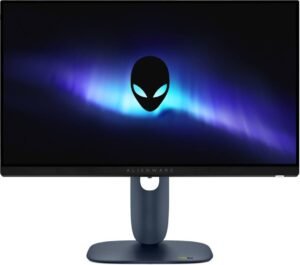
Dell Alienware 25 Gaming Monitor, 25″ Fast IPS Display, FHD Resolution, 320Hz Refresh Rate, 0.5ms (GtG) Response Time, NVIDIA G-SYNC Compatible, AMD FreeSync Premium, Black
998,00 AED -

Dell U2725QE UltraSharp 27 Thunderbolt Hub Monitor, 27″ IPS Display, 4K UHD Resolution, 120Hz Refresh Rate, 5ms (GtG) Fast Response Time, 1.07b Color Display, Up to 140W USB-C PD
2.589,00 AED -

LG 27UP850K-W UltraFine Monitor, 27″ 4K UHD IPS Display, 60Hz Refresh Rate, 5ms (GTG) Response Time, Dynamic Action Sync, Black Stabilizer, Super Resolution+, USB Type-C, Silver
1.449,00 AED
Reviews
There are no reviews yet.